QR Check-in
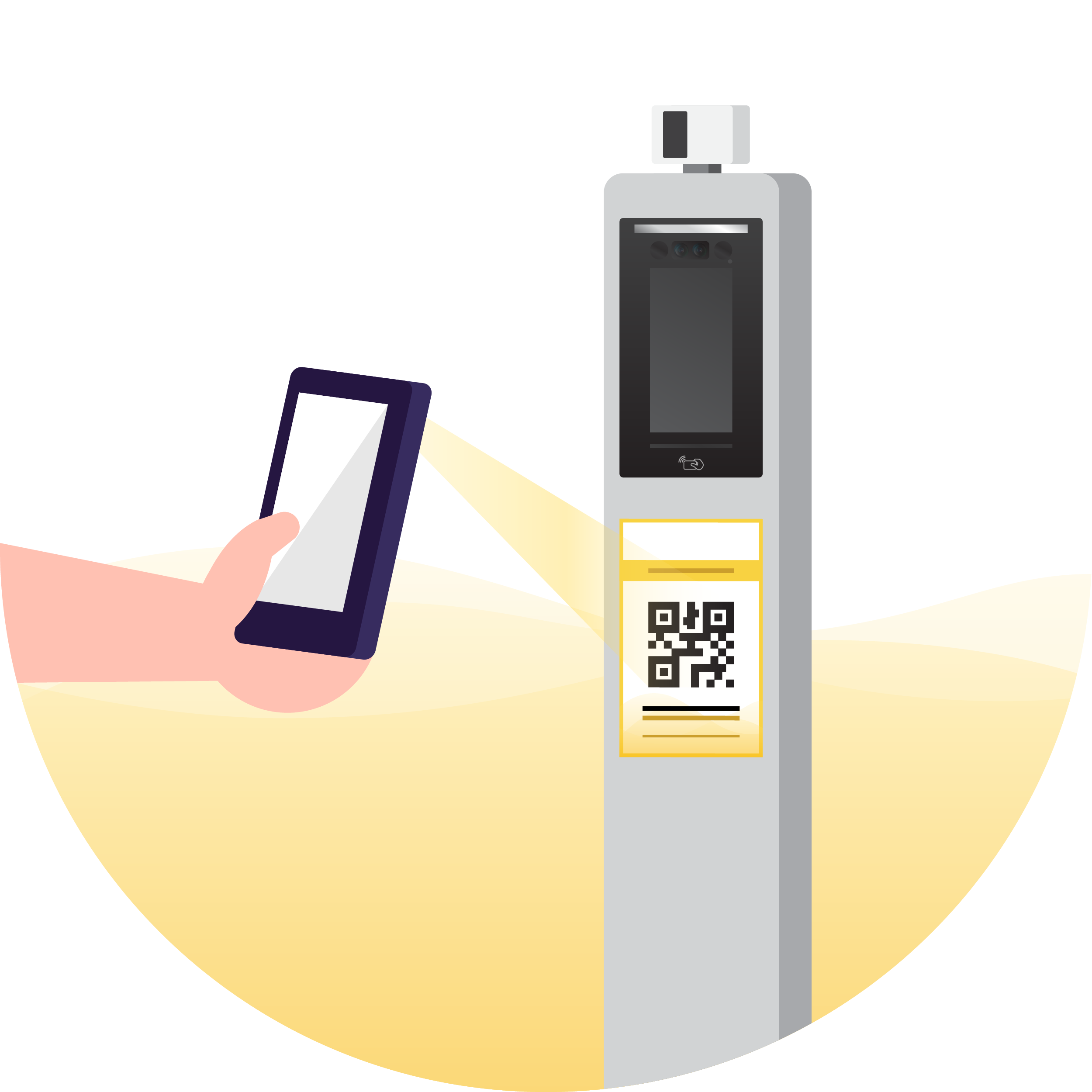
Scan QR to check-in to the premise you are going to visit.
QR Check-in
A simple QR code check-in method during the COVID-19 pandemic with the QMUNITY mobile/web application.
How To Use
01
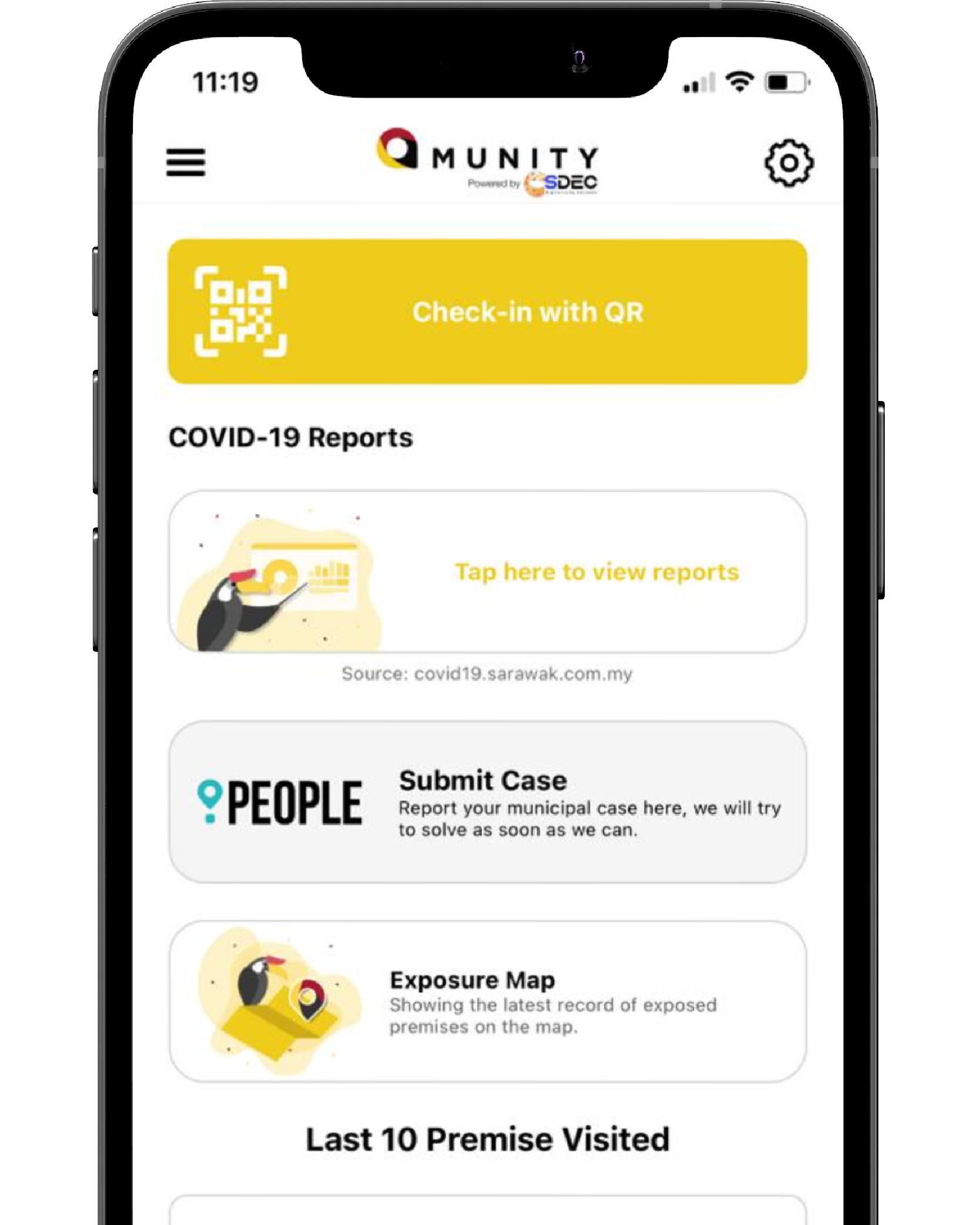
Check-in
Tap on the Check-in with QR to open QMUNITY in-app QR code scanner.
02
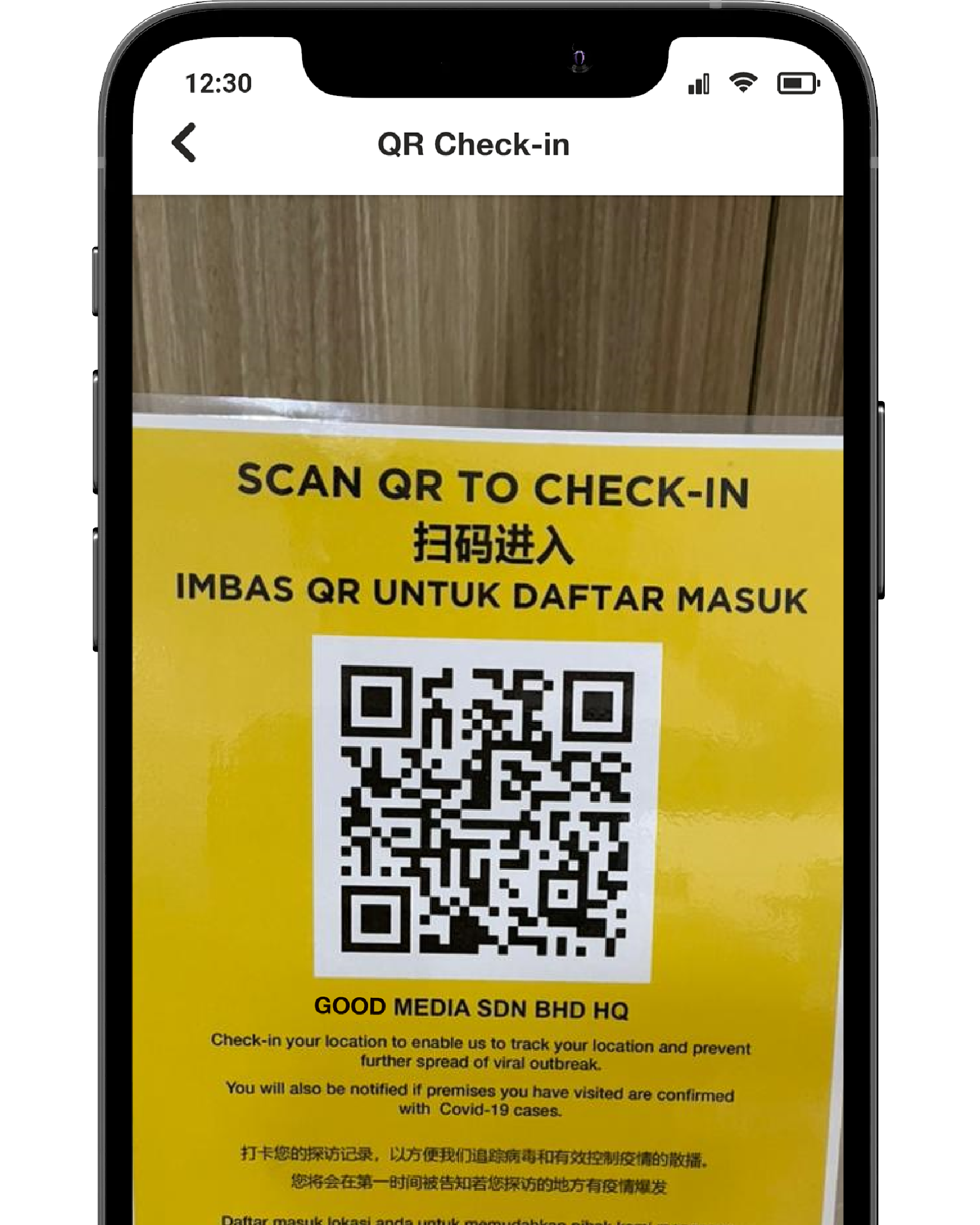
Scan QR
Scan QMUNITY QR code at the premise entrance using the QMUNITY in-app QR code scanner.
03
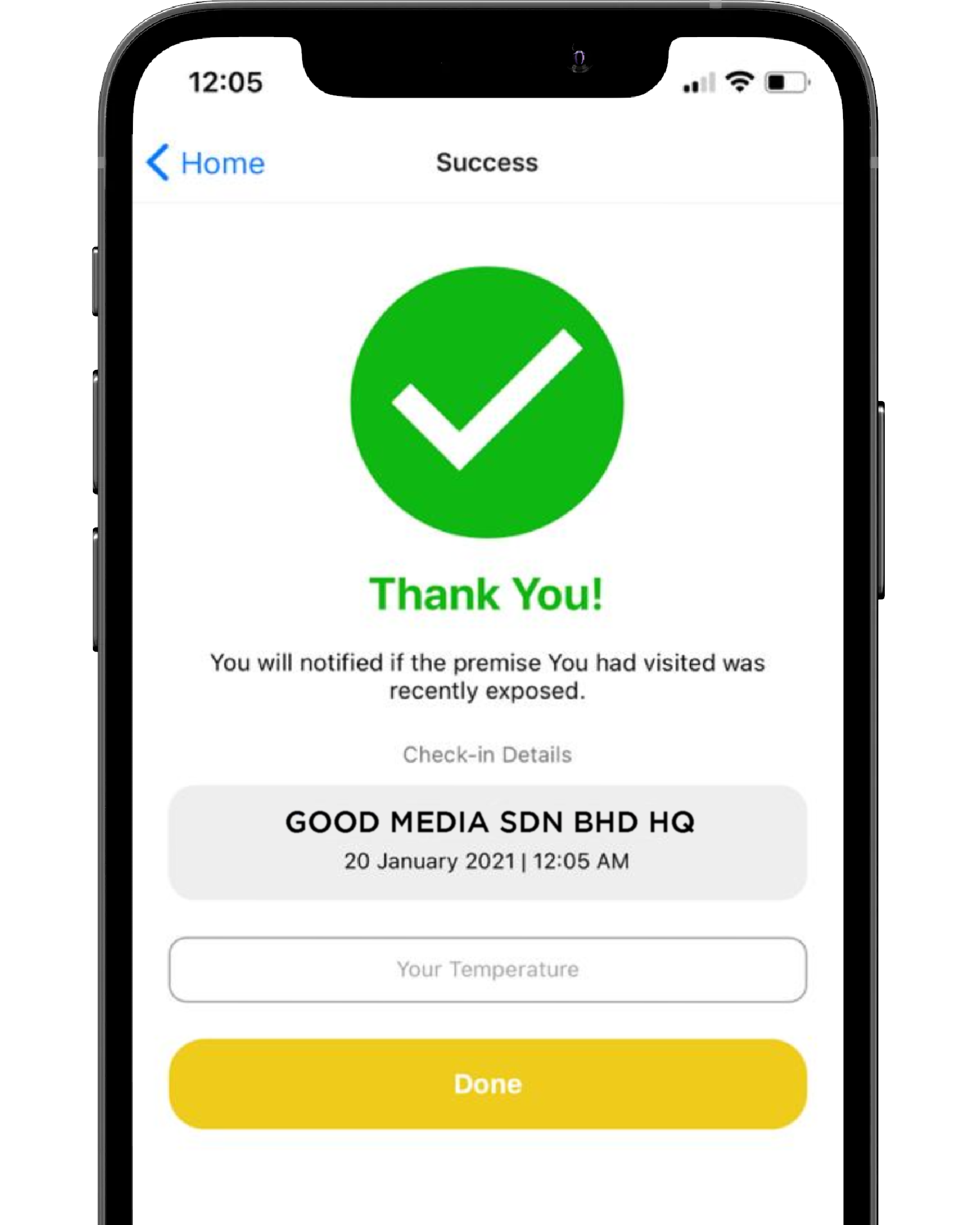
Well Done!
Now you can proceed to enter into the premise. (Temperature input is optional)